


Why Your Google Merchant Center Got Suspended for Inaccurate Shipping Costs (2026)
March 19, 2026
Google Vehicle Ads 2026: What Dealerships Need to Know
March 22, 2026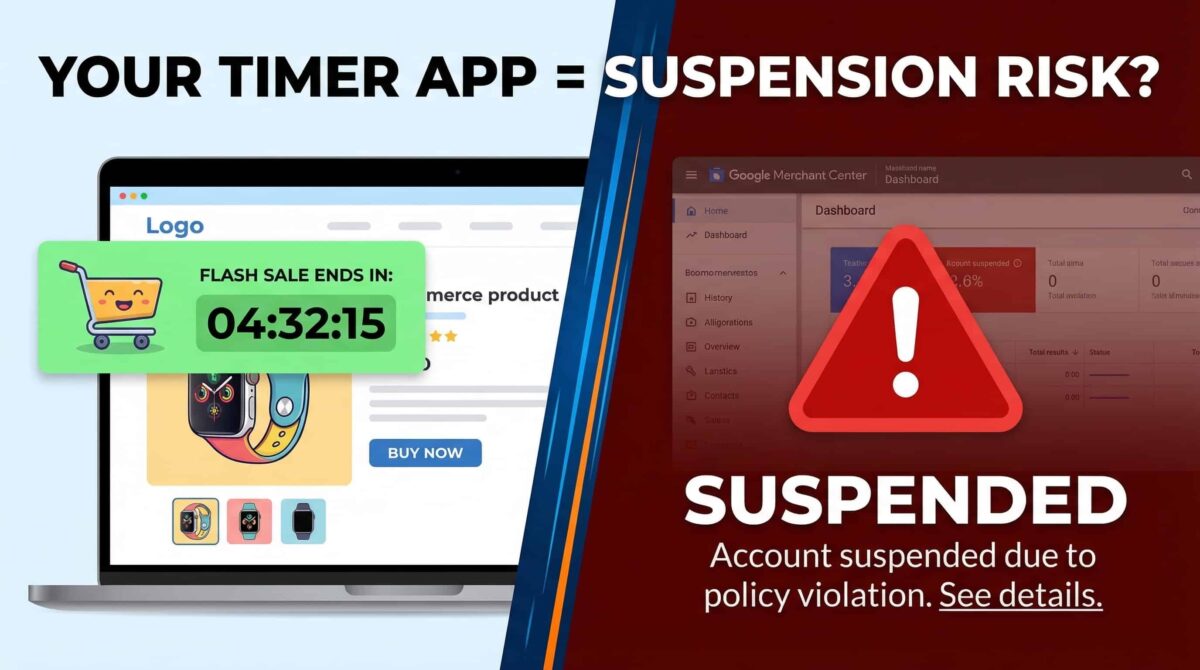
That Shopify Timer App? It Might Be Getting Your Google Shopping Account Suspended.
I’ve been managing Google Merchant Center accounts for over eight years. And the suspension reason I see merchants least expect — every single time — is this: they installed a countdown timer plugin, and Google treated it as misrepresentation.
Not a minor policy flag. Not a warning. A full suspension. Here’s what’s actually happening, why Google cares more about this than most merchants realize, and exactly what you need to do before you submit an appeal
Why Google Treats Countdown Timers as Deception
Google’s misrepresentation policy covers any tactic that creates a false or misleading impression about a product, promotion, or the business itself. Fake urgency fits that definition cleanly — it pressures a customer into a purchase decision using information that isn’t true.
The specific problem with countdown timers isn’t the timer itself. It’s the reset.
Google’s crawlers don’t just visit your site once. They visit multiple times, often hours or days apart. If your “Sale ends in 2 hours” timer shows 2:00:00 on every visit regardless of when they check — that’s documented. That’s verifiable deception. And that’s exactly what lands accounts in suspension. Since the October 2025 misrepresentation policy clarification, enforcement has tightened considerably. Google now explicitly evaluates the overall trustworthiness of the shopping experience — not just feed data.
The 3 Things Google Is Actually Flagging
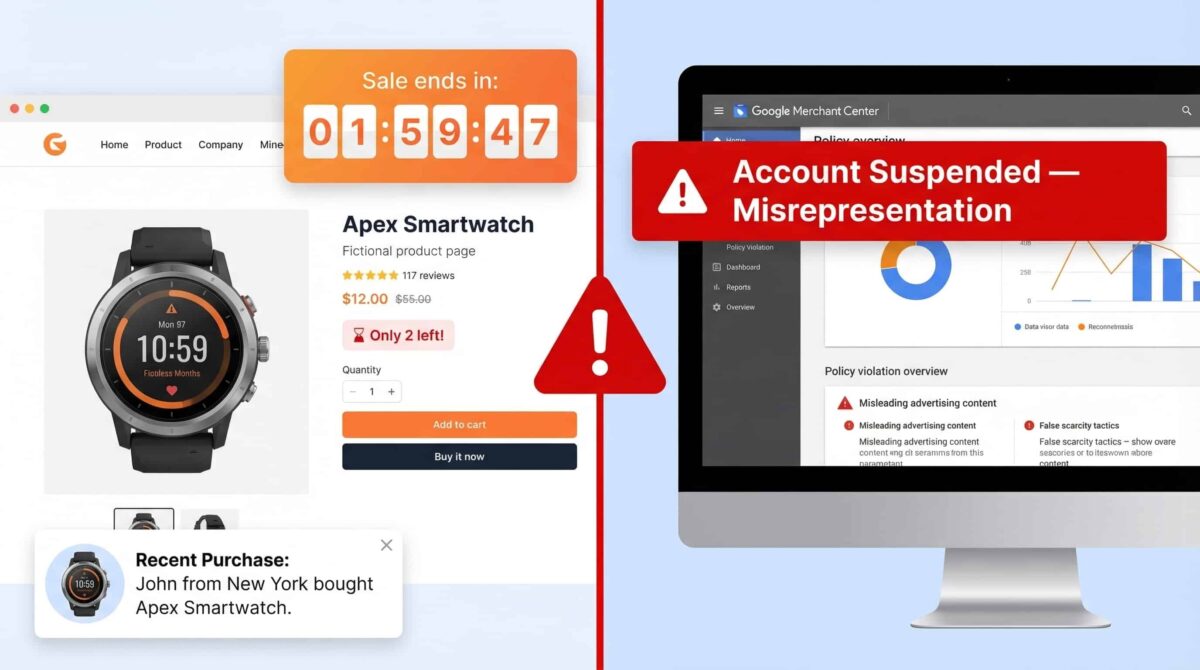
Most merchants focus on feed errors when they get suspended. But if your suspension reason mentions “misrepresentation” or “untrustworthy promotions,” check these first:
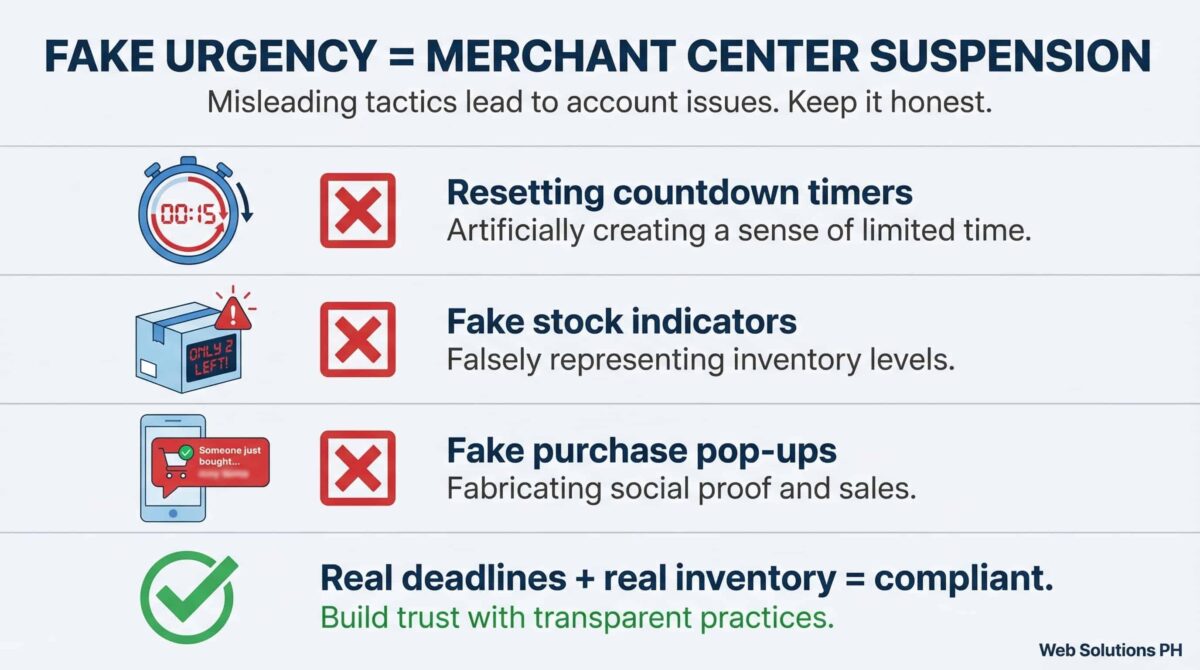
1. Resetting countdown timers. Any timer that restores itself after expiring — whether it resets on page reload, after a fixed interval, or on a new session — is the textbook example of fake urgency. Google’s automated systems can detect this through repeated crawls.
2. Fake stock indicators. “Only 2 left in stock!” is fine when it’s true and dynamically updated from real inventory data. It’s a policy violation when it’s hard-coded, never changes regardless of actual stock levels, or exists purely to create pressure.
3. Fake purchase pop-ups. Those little notifications that say “Maria from Chicago just bought this 3 minutes ago” — if they’re generated by a randomized script rather than real purchase data, they’re fabricated social proof. Google treats this the same way it treats any other false claim about a product or business.
Why One Plugin Can Suspend Your Entire Account
Here’s the part most merchants don’t fully grasp until it’s too late: Google doesn’t evaluate these elements in isolation. It looks at the cumulative trust signal picture.
A store with a resetting timer, a hard-coded “low stock” alert, and a fake purchase notification plugin has three separate deceptive elements running simultaneously. That’s not an oversight — that looks deliberate. And Google’s enforcement treats it accordingly.
I’ve seen stores get suspended where the feed was perfectly clean, the policies were solid, and the only problem was a single urgency plugin installed years ago that the owner had forgotten about. Audit everything before you assume the problem is in your feed.
What to Do Before Submitting an Appeal
If your account is currently suspended for misrepresentation, don’t submit an appeal until you’ve completed this checklist:
Remove every countdown timer that isn’t tied to a genuine, fixed-end promotion. Remove every stock indicator that isn’t pulling from real-time inventory data. Remove every fake social proof plugin — visitor counters, fake purchase notifications, fake review widgets. Check both desktop and mobile versions of your site. Some themes display these elements differently across devices. Wait 24 to 72 hours after removal for Google to re-crawl your site before submitting your appeal.
When you write your appeal, be specific. State exactly what you removed, when you removed it, and what you replaced it with. Attach screenshots showing before and after. Reviewers read hundreds of appeals — the ones that clearly document the fix get reinstated faster.
What You Can Use Instead
Real urgency works fine — it’s fake urgency that violates policy. If you genuinely have a sale that ends on a specific date, a countdown timer tied to that actual date is compliant. If your inventory genuinely is low, a dynamic stock indicator that updates in real time is fine.
The test is simple: if the timer expires and the offer doesn’t actually change, it’s fake. If the stock counter never moves no matter how many people buy, it’s fake. If the purchase notification shows names and locations that don’t correspond to real orders, it’s fake. Use Google’s own Promotions feature in Merchant Center for time-limited offers. Set real start and end dates. Let your actual product data do the work.
The Bottom Line
Google isn’t going to ease up on this. The trend from late 2025 through 2026 has been toward stricter enforcement of the full shopping experience — not just feed accuracy. Fake urgency is a documented, detectable deception, and the tools for detecting it have gotten significantly better.
If you’re running ecommerce clients on Google Shopping, add a plugin audit to your onboarding. One urgency app can wipe out a client’s Shopping channel completely — and the suspension won’t tell you why in plain language.
If you want someone to go through your Merchant Center account end-to-end — feed review, policy compliance, on-site trust signals, and appeal preparation if needed — that’s exactly what I do.
