

Google Shopping ROAS Tanking? Fix Your Product Feed First
March 14, 2026
Why Fixing the Product Feed Didn’t Restore Your Suspended Google Merchant Center Account
March 16, 2026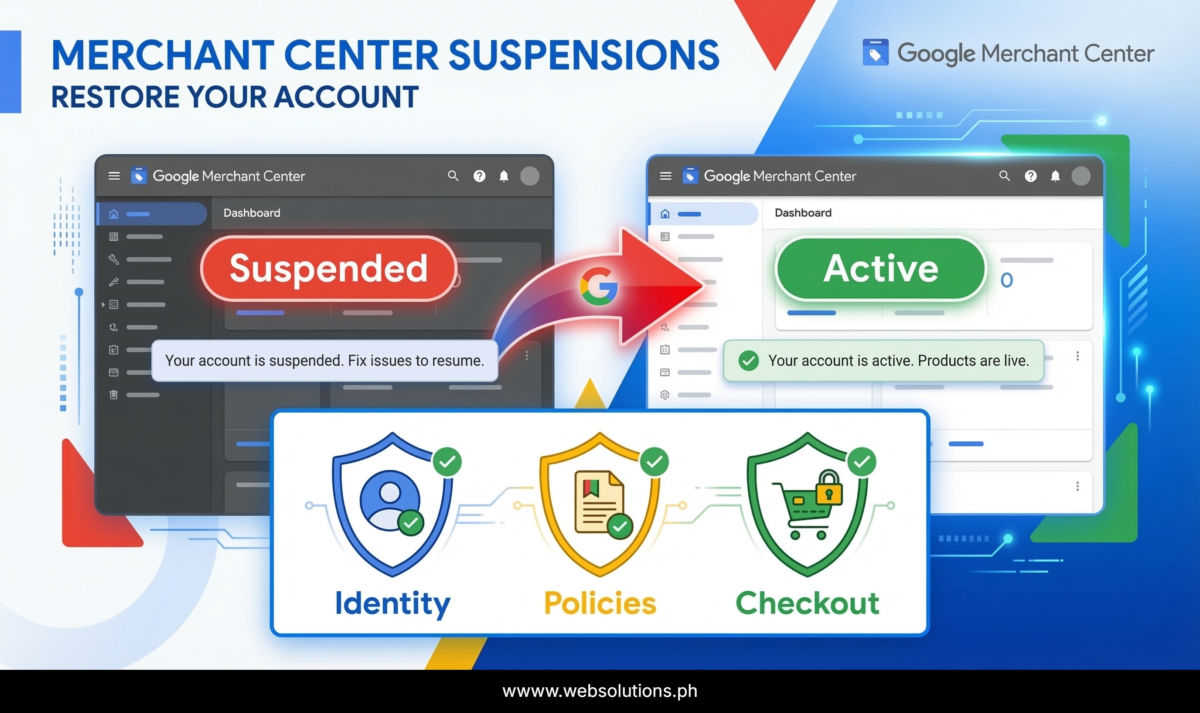
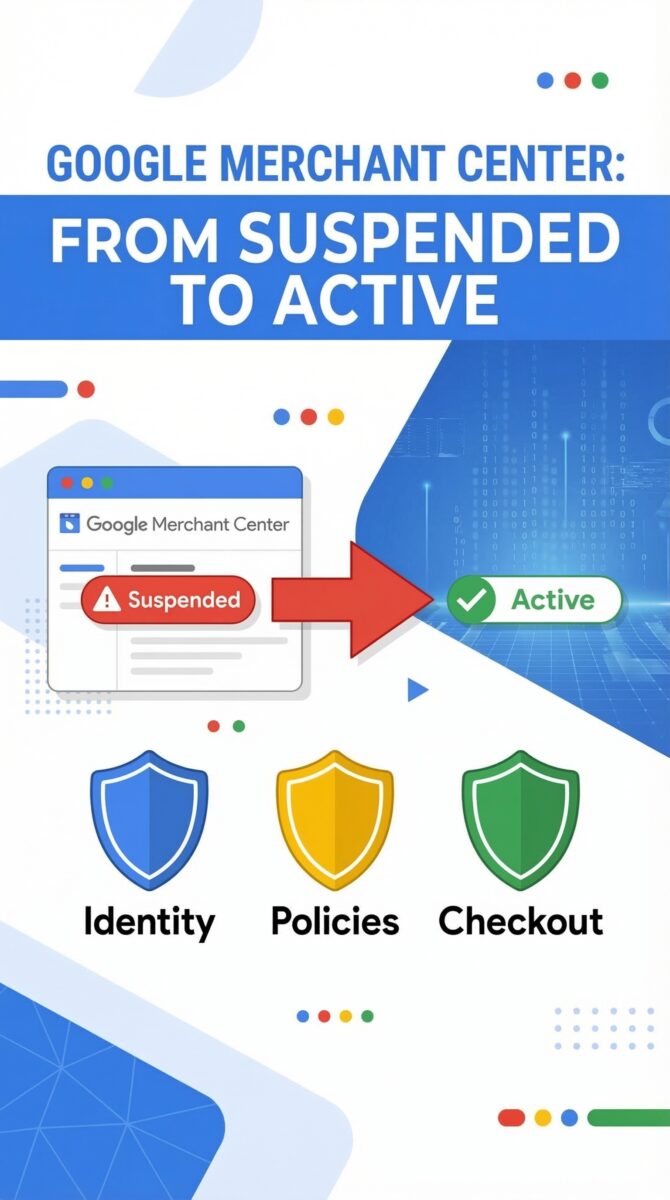
Google Merchant Center Suspended? 3 Trust Signals Google Actually Checks
Your Merchant Center got suspended and your first instinct was to audit the product feed. That’s what most merchants do. And it’s why most merchants stay suspended.
Here’s what’s actually happening: Google updated its Misrepresentation policy in October 2025, and the update added something important. It wasn’t just technical clarifications about data formatting. It was a signal that Google is now explicitly evaluating whether your store looks and behaves like a legitimate business — across your entire site, not just your feed.
That’s a different problem. And it needs a different approach. Here are the 3 trust signals Google checks before reinstating any suspended Merchant Center account.
Why Your Feed Isn’t the Problem
The product feed is the most visible part of a Merchant Center account, so it’s always the first thing people touch when something goes wrong. But Google’s Shopping ecosystem is built on shopper trust — and if a merchant delivers a bad experience, that reflects on Google too.
So when a suspension review happens, Google is asking a more fundamental question than “is the feed data accurate?” It’s asking: would a real shopper trust this store?
That’s the lens. And it produces three specific checks.
Trust Signal 1 — Business Identity
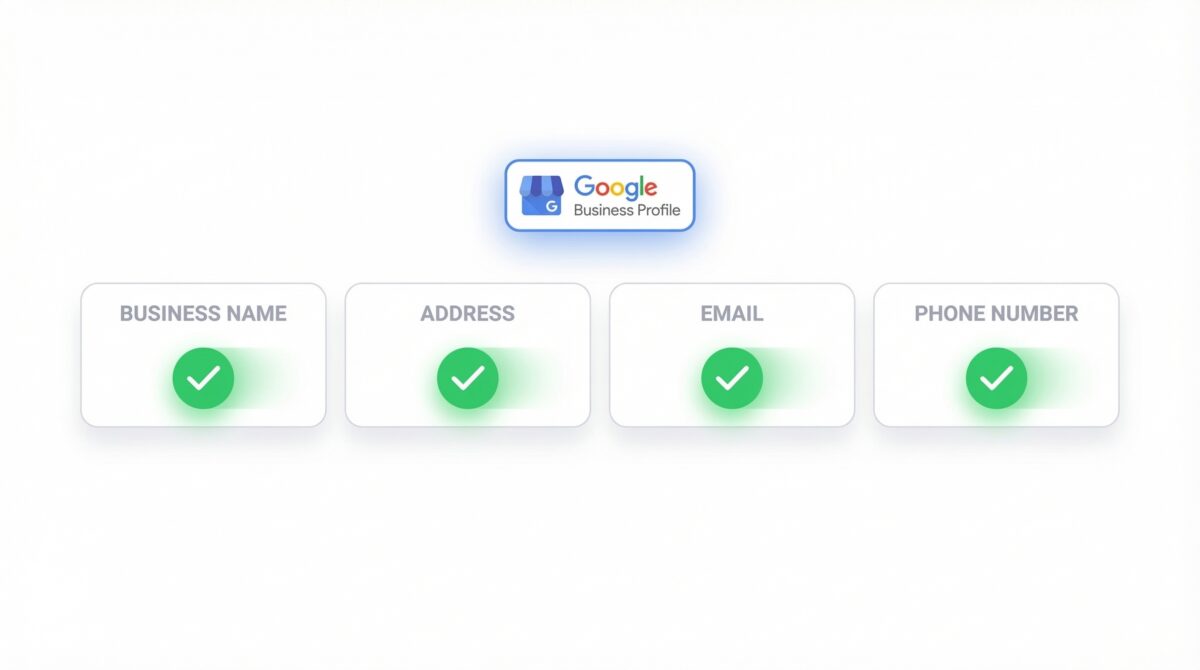
Google checks whether shoppers can actually verify who is behind your store.
No visible business name. No real address. No working phone or email. Any of those is an immediate red flag. Google’s current Merchant Center guidelines are clear — your website needs to make contact information available, and that information needs to be consistent across your site and your account.
Consistent is the word that trips most people up. If your business name in Merchant Center doesn’t match what appears in your website footer, or your address is missing from your contact page, those mismatches read as identity issues during a manual review. Even using a generic Gmail address for customer contact works against you — it signals no real business is behind the store.
Before requesting a review, check your business name, address, phone number, and email across every place they appear. Make them match.
Trust Signal 2 — Policy Transparency
Google’s October 2025 clarification specifically called out broken and unclear return and refund processes as a misrepresentation trigger. That’s a direct statement — not just that policies need to exist, but that they need to work.
A vague policy page is treated the same as having none. Your return policy needs to state the return window, who pays for return shipping, and how refunds are processed. Your shipping policy needs to include real timelines and costs. These pages need to be linked in your footer, accessible from checkout, and written in plain language that a shopper can actually understand and rely on.
Shipping accuracy matters here too. If your Merchant Center account is configured to show free shipping but your checkout charges a shipping fee, that inconsistency is a misrepresentation flag regardless of everything else.
Trust Signal 3 — Checkout Credibility
This is where most suspended stores actually fail — and it’s the one they’re least likely to check.
Broken cart. No payment method. Weird checkout redirects. Google needs to confirm that your store can complete a real transaction. Those three things signal a fake or non-operational storefront, and no amount of feed cleanup will pass a review if the checkout experience falls apart.
Google’s current Merchant Center requirements include having at least one conventional payment method available at checkout, a working cart, no surprise fees appearing at the final step, and a checkout flow that behaves like a real store. Placeholder content, broken navigation, or a checkout that redirects unexpectedly are all flags that come up in manual review.
What to Do Before You Request That Review
Check all three — not just one.
Can someone verify your business? Is your identity visible, consistent, and real across your website and your Merchant Center account? Are your policies actually clear, complete, and linked from checkout? Can someone place a real order without running into broken pages or unexpected charges?
If any one of those three is weak, fixing the other two won’t get the account reinstated. Google’s trust check is cumulative — all three signals need to pass.
Fix them, document what you changed, then request the review.
Managing Google Shopping or dealing with a Merchant Center suspension? I offer full audits as part of my Google Ads management service. Reach me here: https://www.upwork.com/freelancers/nazdiocampoaimarketing
