


Google Vehicle Ads 2026: What Dealerships Need to Know
March 22, 2026
How to Optimize Google Vehicle Ads (3 Fixes That Work)
March 24, 2026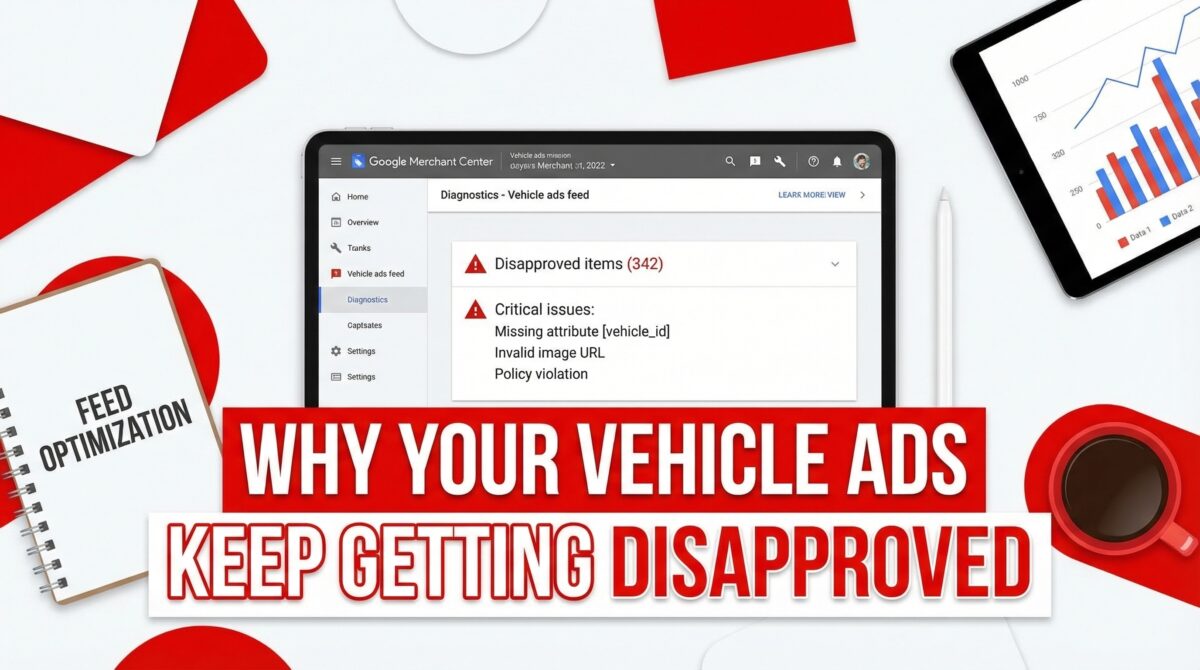
If your vehicle ads aren’t showing on Google, the culprit is almost never your budget. It’s usually your feed.
I manage Google Ads for automotive clients, and a broken or incomplete vehicle feed is one of the most common issues I find during audits. The frustrating part? Most dealers don’t even know there’s a problem. The ads just quietly never launch.
Here’s exactly what your vehicle feed needs — and the three areas where most accounts fall apart.
The Required Fields (All of Them)
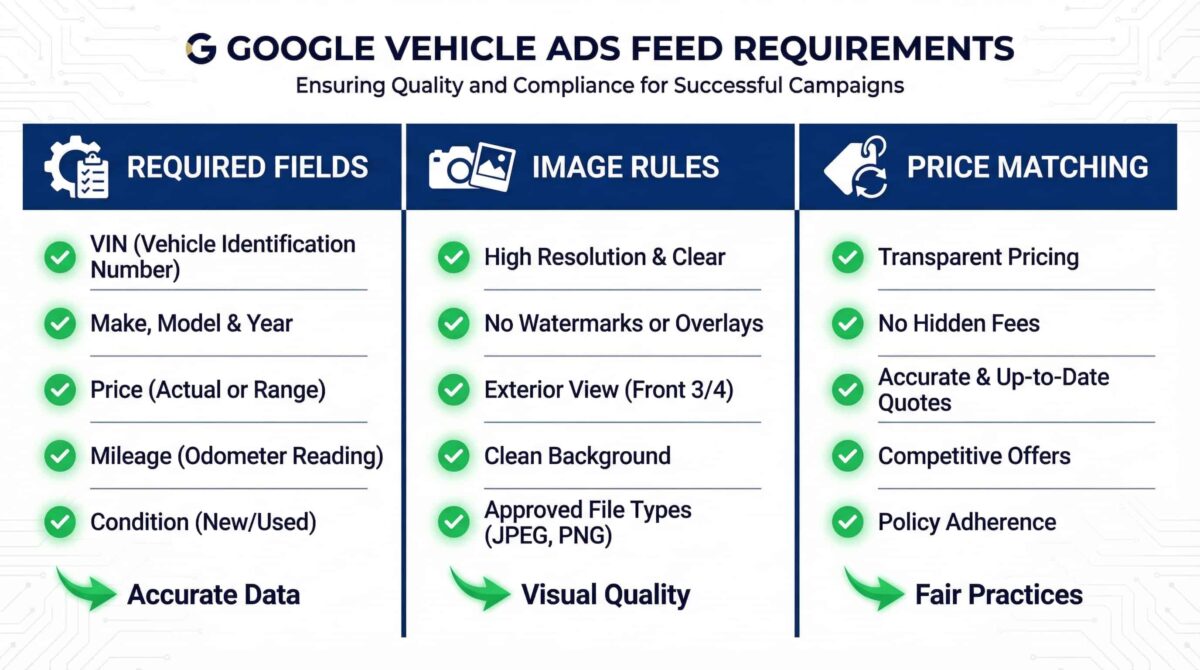
This is the non-negotiable starting point. Your Google Merchant Center vehicle feed must include all of these attributes for every listing:
ID — a unique identifier for each vehicle.
Title — typically formatted as year, make, and model.
Year, Make, and Model — each as separate fields.
Price — in the correct currency format.
Condition — new or used.
Availability — in stock or out of stock.
Image link — the URL of the vehicle’s primary photo.
Landing page link — the URL of the specific vehicle detail page on your website.
Miss any one of these and your feed may be rejected entirely — not just the individual listing. Every single field is required, every single time.
Image Rules Most Dealers Ignore
Even if your required fields are complete, your feed can still get disapproved because of your images. Google’s vehicle ads image policy is specific:
No watermarks. No promotional text or price overlays on the photo. And critically — the image must show the actual vehicle being advertised, not a generic stock photo.
This last one catches a lot of dealers. If your inventory management system pulls generic manufacturer images instead of photos of the specific car on your lot, you may be sitting on a disapproval problem across your entire feed.
The fix is straightforward: make sure your feed pulls real lot photos for each vehicle, and that those photos are clean — no dealership branding, no “sale” overlays, no watermarks.
The Price Matching Rule Nobody Talks About
This is the one that surprises most people. The price listed in your vehicle feed must exactly match the price displayed on the corresponding landing page.
Not approximately. Exactly.
A $500 difference. A promotional discount that’s live on the page but not updated in the feed. A rounding discrepancy between systems. Any of these can trigger a disapproval.
Google’s vehicle ads policies require that the advertised vehicle price includes all mandatory fees and represents the total price consumers will be required to pay, aside from required government charges like taxes and registration. Make sure your feed price and landing page price reflect the same number — and that both are updated any time pricing changes.
A Quick Feed Audit Checklist
Before you submit or refresh your vehicle feed, run through this:
All required fields are present for every listing. Images show the actual vehicle with no watermarks or promotional text. Feed price matches the landing page price exactly. Image URLs are live and return a valid image. Landing page URLs are accessible and vehicle-specific.
If any of these are off, fix them before resubmitting. Google processes feeds on a regular cycle, and errors left in place will keep your ads from running until the next refresh.
The Bottom Line
Vehicle ads feed issues are invisible until you know where to look — but once you know the rules, they’re fixable. Required fields, clean images, and exact price matching cover the vast majority of disapproval cases I see in automotive accounts.
If you want a free audit of your vehicle ads setup — including your feed, your campaigns, and your conversion tracking — I’m available on Upwork.
