

Google Vehicle Ads Feed Requirements: What Dealers Get Wrong
March 23, 2026
Google Shopping Free Listings vs Paid Ads: Run Both
March 25, 2026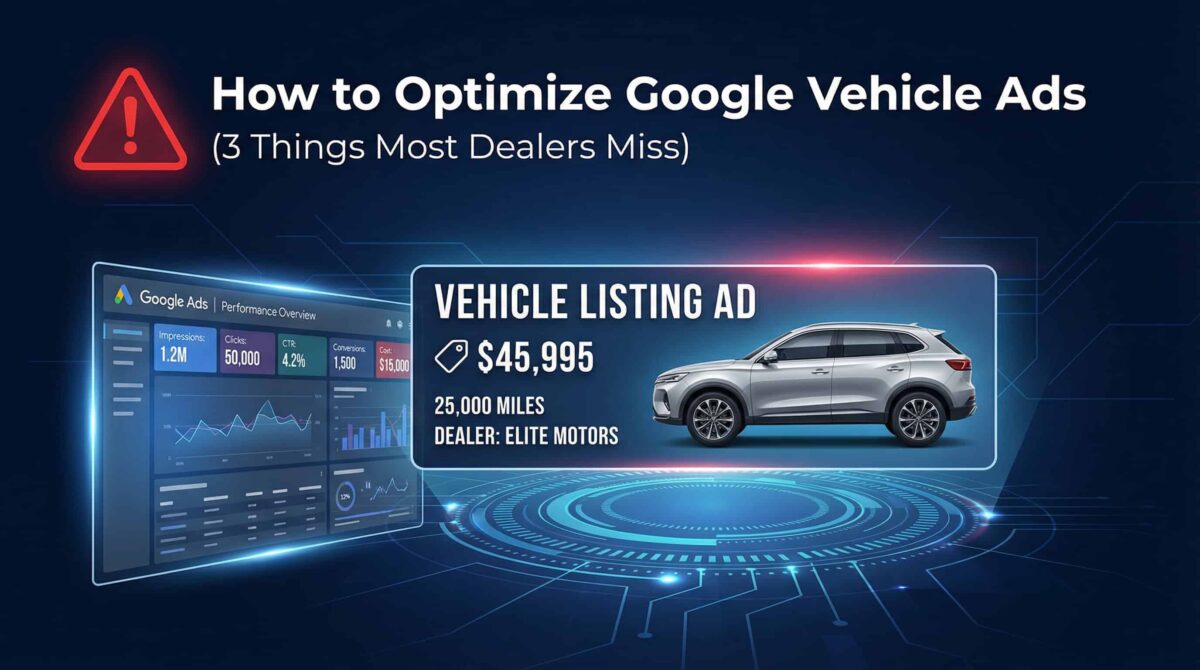
If your vehicle ads aren’t delivering the impressions, clicks, or leads you’re expecting — the problem probably isn’t your bidding strategy. I’ve audited enough automotive Google Ads accounts to tell you: the issue almost always starts earlier than that.
Here are the three things I fix in nearly every vehicle ad account I touch.
Fix #1: Clean Up Your Vehicle Feed Data
This is where most campaigns fall apart before they even get started.
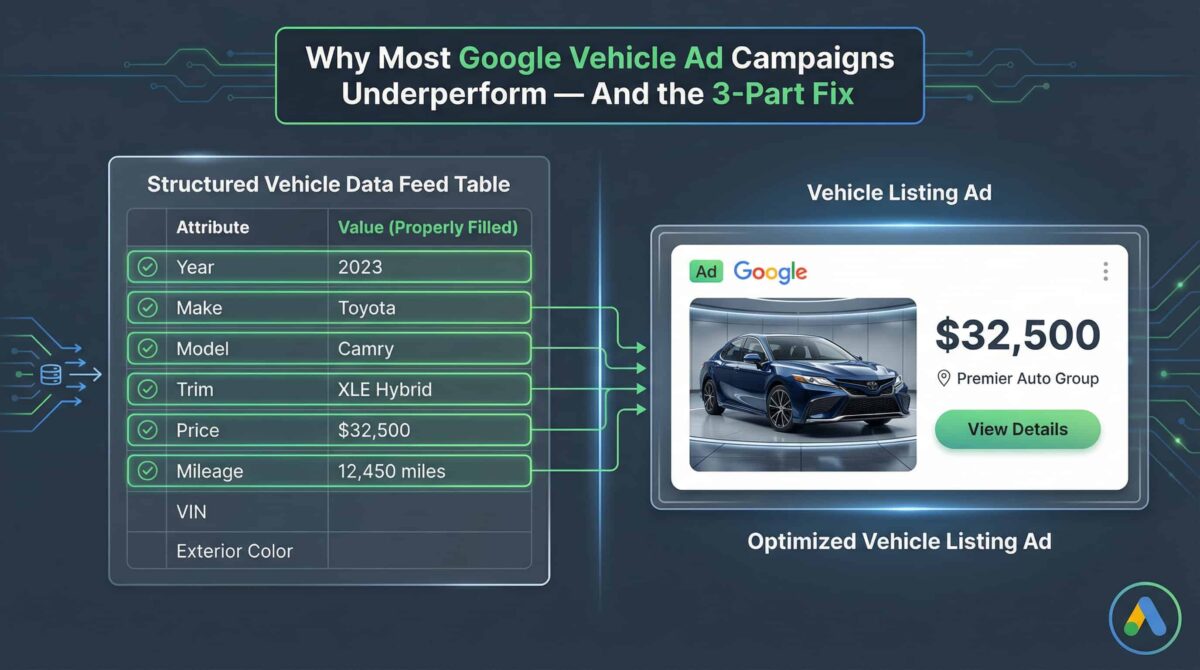
Google’s vehicle ad formats — including Vehicle Listing Ads and vehicle-specific Performance Max campaigns — are feed-dependent. That means Google pulls everything it needs to serve your ads directly from your inventory data feed. If that data is incomplete or inaccurate, your ads either don’t serve or serve poorly.
The required attributes are straightforward: Year, Make, Model, Trim, Price, and Mileage. Miss one, and Google may limit how often your inventory appears — or exclude it from auctions entirely.
I’ve seen accounts with hundreds of vehicles in their feed running at a fraction of expected impressions just because a Trim field was blank or a Price wasn’t updating in real time. Clean data is non-negotiable. It’s not glamorous, but it’s the foundation everything else is built on.
What to do: Audit your feed in Google Merchant Center (or your feed management tool). Filter for missing or malformed attributes. Fix them before adjusting anything else.
Fix #2: Use Custom Labels to Control Your Budget
Here’s where most dealers leave control on the table.
Without custom labels, you’re essentially letting Google decide which vehicles in your inventory get the most exposure. That might work occasionally, but it’s not a strategy. Custom labels let you segment your inventory and create targeted ad groups or campaign priorities around what actually matters to your business.
The three segments I set up in almost every automotive account:
- Best-margin vehicles — units where profit per sale justifies aggressive spend
- Aged inventory — vehicles sitting on the lot too long that need volume-driven exposure
- Certified pre-owned — a distinct buyer segment that deserves its own messaging and budget
Once you’ve tagged your inventory with custom labels, you can allocate budget intentionally. You’re no longer guessing — you’re directing.
What to do: Define your top inventory segments, apply custom labels in your feed, then build separate ad groups or campaigns around each label with differentiated bid strategies.
Fix #3: Run Vehicle Listing Ads Alongside Search
This is the one that separates dealers who scale from those who plateau.
Vehicle Listing Ads (VLAs) are a Google ad format that pulls directly from your inventory feed and displays real vehicles — with a photo, price, mileage, and dealer name — right in the search results. They’re visually rich, highly relevant, and they meet buyers exactly where they are in the decision process.
The mistake I see constantly is dealers running either Search or VLAs — not both. These formats serve different buyer intents and reinforce each other. Search ads capture high-intent keyword queries. VLAs capture the same buyers with visual proof of available inventory. Together, they dramatically improve click-through rate and reduce cost per lead.
What to do: If you’re not running VLAs yet, set up a Vehicle Listing Ad campaign connected to your feed. Start with your best-labeled segments. Monitor impression share and adjust bids based on which inventory types are converting.
The Bottom Line
Google vehicle ads can be genuinely powerful for dealerships and automotive businesses — but only when the foundation is right. Feed quality, custom label strategy, and a combined VLA plus Search approach aren’t advanced tactics. They’re basics that most accounts still haven’t implemented correctly.
If you’re running vehicle ads and not seeing the results you expect, start with these three fixes before touching anything else.
The Bottom Line
Google vehicle ads can be genuinely powerful for dealerships and automotive businesses — but only when the foundation is right. Feed quality, custom label strategy, and a combined VLA plus Search approach aren’t advanced tactics. They’re basics that most accounts still haven’t implemented correctly.
If you’re running vehicle ads and not seeing the results you expect, start with these three fixes before touching anything else.
📋 Download The Google Vehicle Listing Ads Setup Checklist: https://googlevehiclelistingadschecklist.websolutions.ph/
Before you blame the campaign, check the setup.
This free checklist helps you catch the issues that usually block performance — incomplete feed data, poor segmentation, and missed tracking/configuration details.
