


Google Shopping Free Listings vs Paid Ads: Run Both
March 25, 2026
3 Merchant Center Mistakes Killing Your Google Shopping Sales
March 27, 2026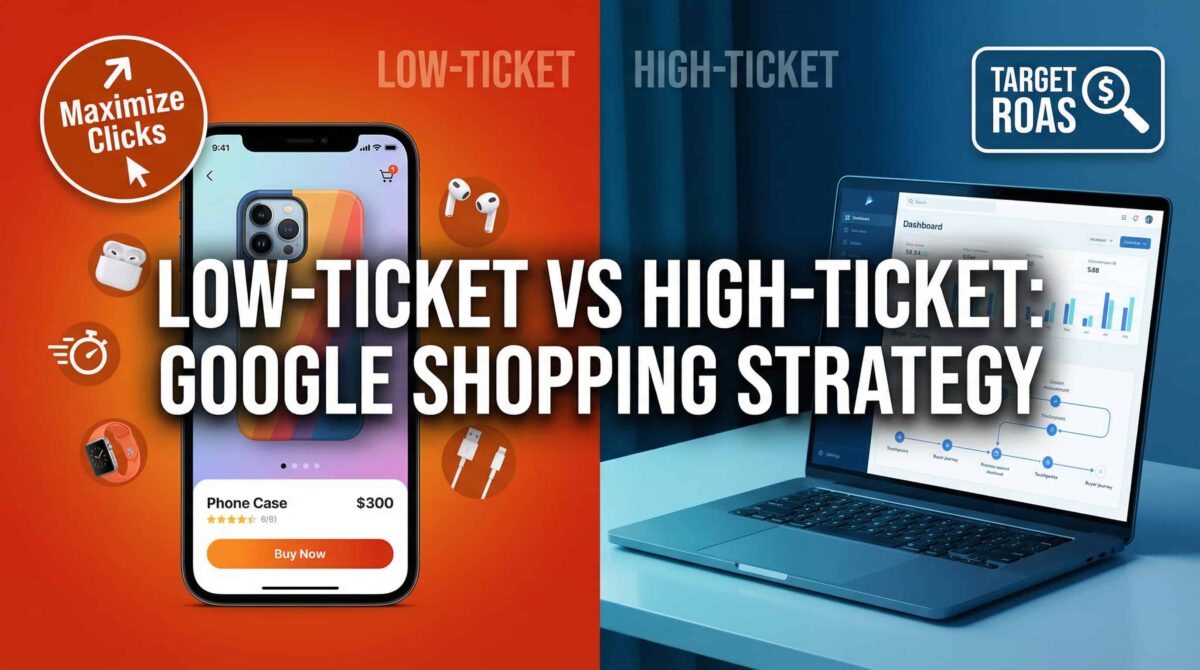
If you’re running an e-commerce store or managing Google Shopping campaigns for clients, there’s a structural mistake that shows up in accounts constantly — and it quietly drains budget every single day.
Mixing low-ticket and high-ticket products in the same campaign.
It sounds like a minor thing. It isn’t.
Why Product Price Tier Actually Changes Everything
Here’s the thing about Shopping ads that a lot of store owners don’t think about: your bidding strategy, your budget allocation, and your feed optimization should all be shaped by buyer behavior — not just product category.
And low-ticket buyers and high-ticket buyers don’t behave the same way at all.
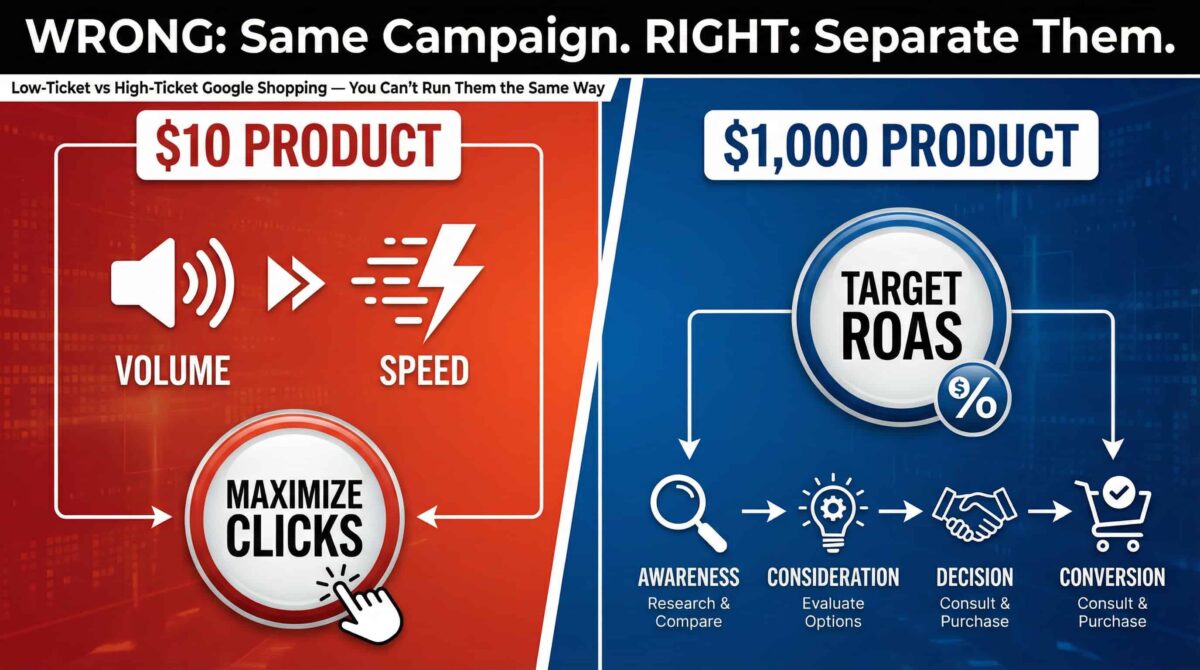
A $10 phone case gets bought on impulse. Someone searches, sees your product, clicks, and either buys or doesn’t — usually within minutes. The margin is thin, the competition is high, and volume is the only way to make the numbers work.
A $1,000 laptop? That’s a different story. That buyer has already been researching for days. They’re comparing specs, checking reviews, reading return policies. They’re not clicking your ad and buying in one session. They need multiple touchpoints before they convert.
When you force both of these into the same campaign, you’re asking one bidding strategy to serve two completely different buyer journeys. It can’t. Something always loses.
The Low-Ticket Approach: Play the Volume Game
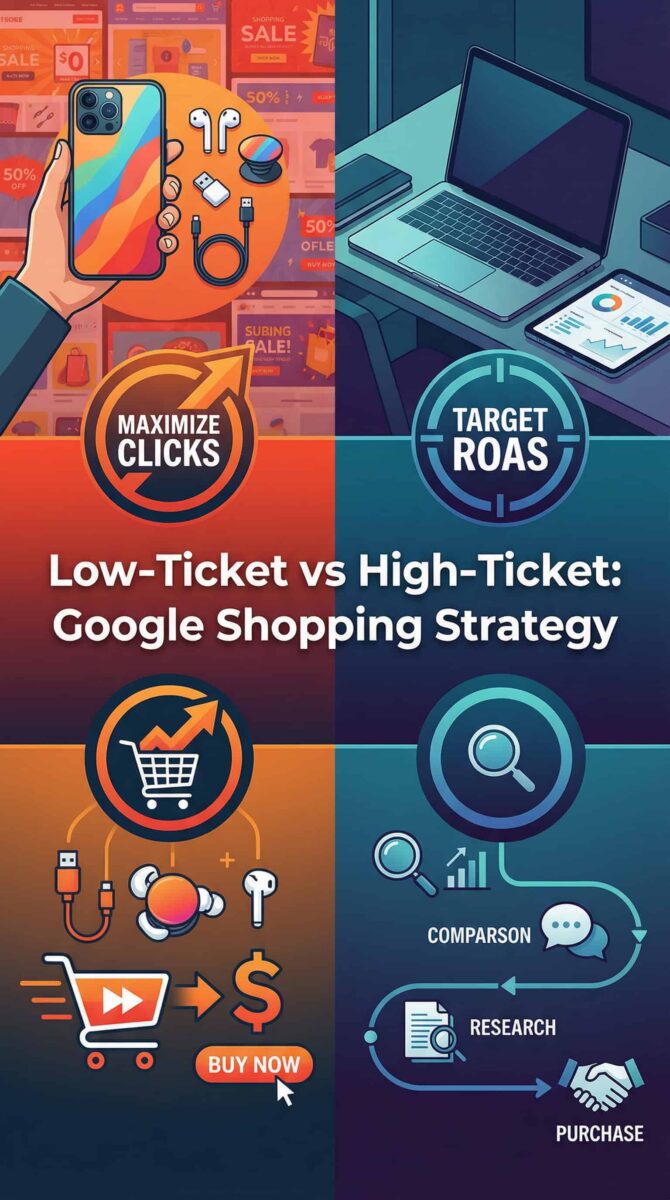
For low-ticket products, the priority is volume and efficiency.
Maximize Clicks or Maximize Conversions are solid starting points because the goal is generating as many qualified clicks as possible at the lowest viable cost. Margins are thin — sometimes razor-thin — so keeping bids tight isn’t optional, it’s survival.
Your product feed titles matter a lot here. You want to be matching high-volume transactional search terms — the stuff people actually type when they’re ready to buy. Generic titles kill visibility in this segment.
One thing that trips up a lot of low-ticket stores: shipping cost. If your shipping fee eats into the perceived value of a $15 item, you lose the sale instantly. It’s worth testing free shipping thresholds if your margins can support it.
The High-Ticket Approach: Play the Patience Game
High-ticket products need a completely different mindset.
Pushing for volume here is the wrong move. These buyers are in research mode — they’re not going to convert on the first click, and optimizing purely for clicks will burn through your budget on non-converting traffic.
In many cases, Target ROAS performs better for high-ticket campaigns. You’re telling the algorithm what return you need, and with higher bids, you’re competing more aggressively for the buyers who are further along in their decision-making process. The margin on a $500 or $1,000 product can support higher CPCs — as long as you’re converting at a reasonable rate.
The key word here is patience. Target ROAS needs enough conversion data to work properly. If you switch strategies every two weeks because you haven’t seen results, you’re resetting the learning phase constantly. Give it time.
The Rule: Separate Them Into Different Campaigns
This is the most important structural fix — and the one most stores skip.
Don’t let a $10 product and a $1,000 product compete for the same daily budget. When they share a campaign, the algorithm makes budget allocation decisions that don’t serve either product well. The low-ticket product might dominate spend because it drives more clicks. The high-ticket product gets starved of budget right when a high-intent buyer is searching.
Separate campaigns give you control. You set the budget for each segment independently. You choose the bidding strategy that fits that product tier. You optimize without one group cannibalizing the other.
The Pro Move: Custom Labels in Merchant Center
Here’s what most stores never get around to — custom labels.
In Google Merchant Center, you can tag your products with custom label attributes (custom_label_0 through custom_label_4). Use one of these labels to tag products by price tier: “low-ticket,” “mid-ticket,” “high-ticket” — whatever segmentation makes sense for your catalog.
Once those labels are applied, you can create campaign structures and product groups that map directly to those segments. Now you have real reporting visibility and real bidding control per price tier — not just per category or brand.
It’s one of the highest-leverage feed optimizations you can make, and it takes maybe an hour to set up properly.
The Bottom Line
Low-ticket and high-ticket products are not the same advertising problem. Treating them like they are is a guaranteed way to waste budget and underperform on both ends.
Segment your campaigns. Match your bidding strategy to your buyer behavior. Use custom labels to build the infrastructure that gives you control.
If you want a second set of eyes on your Shopping campaign structure, I offer free Google Ads audits on Upwork. I’ll review your setup and tell you exactly what needs to change.
