


Google Ads vs Meta Ads: Key Differences Explained (2026)
March 18, 2026
Countdown Timers & Fake Scarcity: Google Merchant Center Suspension Risk (2026)
March 20, 2026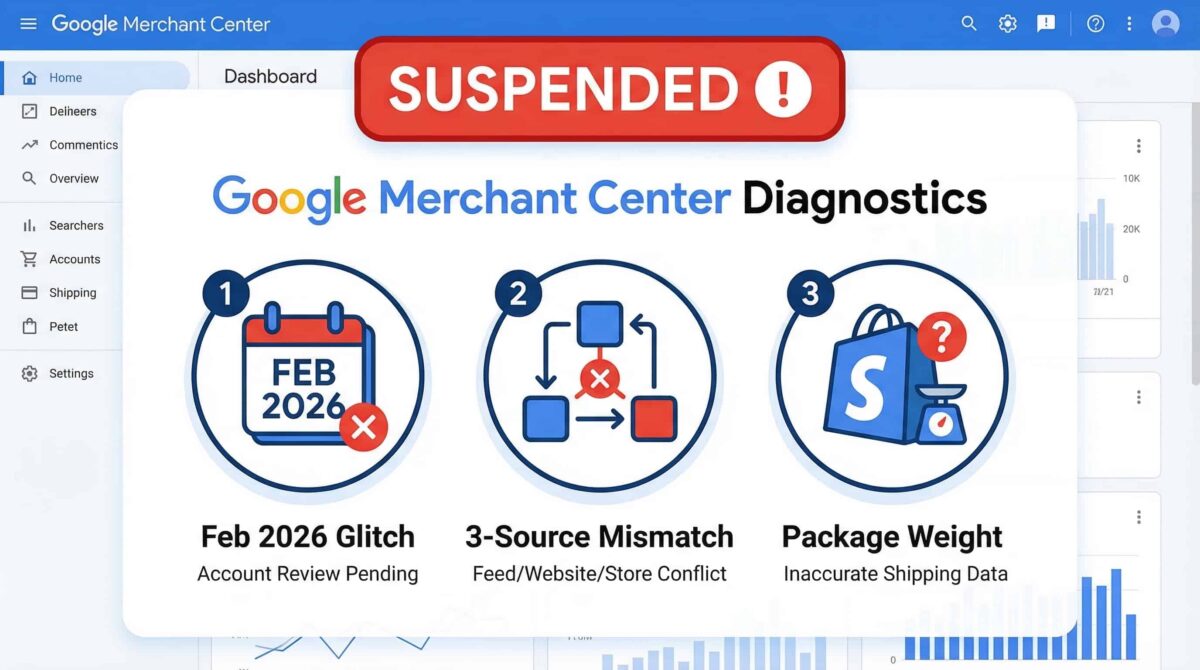
If you’re looking at a Google Merchant Center suspension notice right now, the first thing I want you to do is not click that appeal button.
I know that feels counterintuitive. But repeated appeals before you’ve identified and fixed the actual problem can trigger extended cooldown periods — and that turns a fixable situation into a weeks-long headache. In 2026, Google’s enforcement on inaccurate shipping has tightened significantly, and most of the suspensions I see come down to three specific causes — two of which most store owners never think to check.
Let me walk you through all three.
Start Here: Did Your Suspension Happen in February 2026?
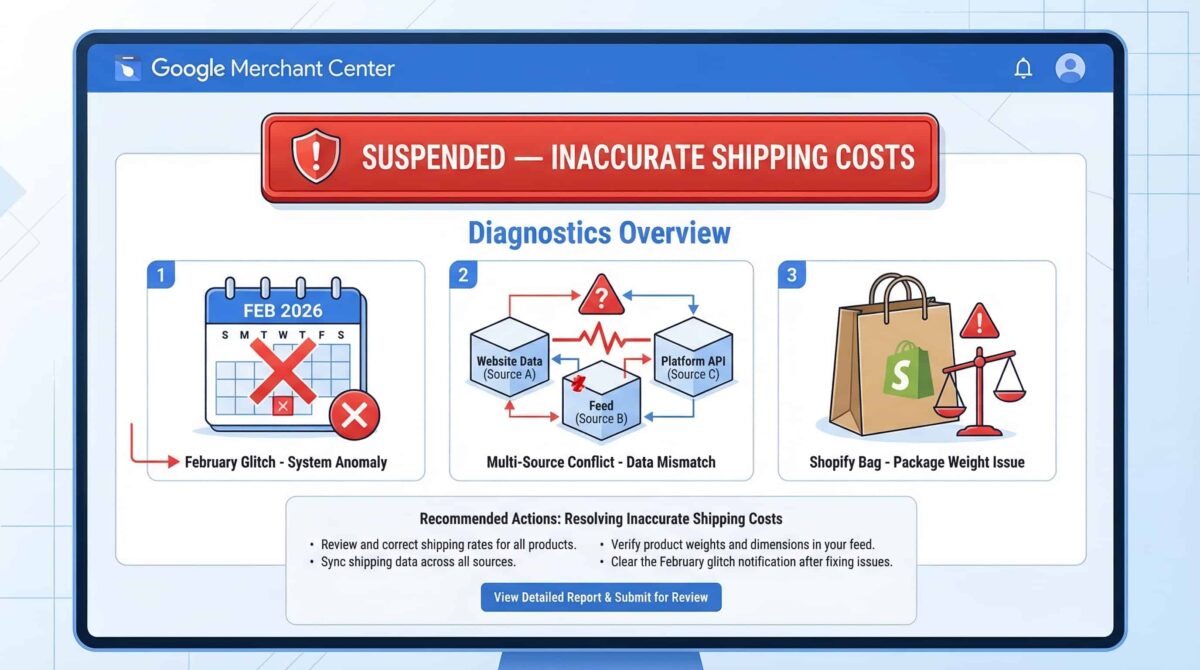
This is worth checking before you do anything else. Many advertisers reported false shipping suspension flags during February 2026. If your account was flagged in that window, your data might actually be clean — and the fix could be as simple as re-uploading your feed to trigger a fresh crawl rather than building a whole appeal case for a problem that was never yours.
Go into your Merchant Center and check the timeline on your suspension notice. If it lines up with that period and your shipping settings look accurate, start with the re-upload. It’s faster, and it avoids spending an appeal attempt unnecessarily.
The 3-Source Mismatch Most People Miss
Here’s where the majority of legitimate suspensions actually come from in 2026 — and it’s the part that trips people up even after they think they’ve fixed it.
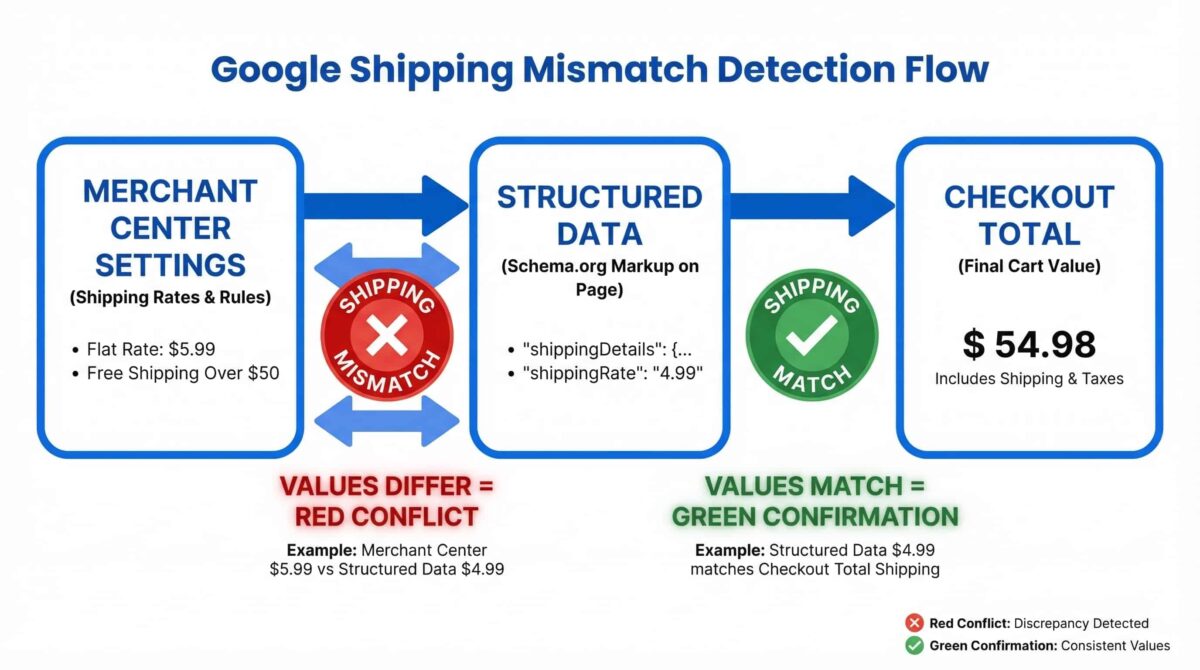
Google doesn’t just check your Merchant Center product feed when it’s evaluating your shipping costs. It compares information across three separate sources at the same time: your Merchant Center settings, your website’s structured data (Schema markup), and what a customer actually sees at checkout.
All three have to agree. If your GMC feed is accurate but your structured data hasn’t been updated, you’re still flagged. If your structured data and feed match but your checkout is calculating a different total due to handling fees or regional logic, you’re still flagged. I’ve seen store owners fix their feed twice, stay suspended, and only find the resolution after auditing their structured data — which they hadn’t touched in months.
The fastest way to check this yourself: go to Products → All Products in Merchant Center, click an affected product, and use the Regional Attributes Preview tool to test shipping costs against different zip codes. Compare what you see there against what your checkout actually shows for the same locations. Any gap is your culprit.
The Shopify Package Weight Problem
This one is sneaky because it’s not obvious from inside Merchant Center or Shopify separately — you have to compare both at once to catch it.
Shopify can add a default package weight to orders at checkout that isn’t included in the product data you’re sending to your feed. That package weight changes the shipping tier Google calculates at checkout versus what the feed is reporting. The difference can be small — sometimes a single cent — but Google’s 2026 policy is strict: the shipping cost in Merchant Center must be equal to or greater than what the customer sees at checkout. A cent lower on the feed side is enough to trigger the mismatch flag.
The fix is to make sure your packaging weight is factored into your shipping rate calculations in Merchant Center so both sides of the equation are working from the same number. Once they align, the mismatch disappears.
Before You Request a Review
Test first. This is non-negotiable.
Run through your checkout as a real customer across multiple zip codes — including at least one remote location like Alaska or Hawaii if you ship there, since flat-rate shipping setups often only account for the contiguous 48 states. Confirm that the shipping cost at checkout matches or is lower than what your feed is reporting for each location.
Only when you can verify that consistently across different regions should you go back and hit “Request Review.” Appealing with a live mismatch still in place doesn’t just fail — it can work against you.
The Short Version
An inaccurate shipping suspension is almost always a mismatch problem, not a mystery. In 2026, the three causes to check are the February feed glitch (check your timeline), the 3-source mismatch between GMC, structured data, and checkout (check all three, not just the feed), and the Shopify package weight discrepancy (compare your feed calculation against what checkout actually shows).
Fix the right thing. Test it properly. Then appeal.
If you’re running Google Shopping campaigns and want someone to audit your full Merchant Center setup before you submit a review — or before the next flag hits — that’s exactly what I do for e-commerce clients.
