

Low-Ticket vs High-Ticket Google Shopping Ads: Why You Can’t Run Them the Same Way
March 26, 2026
How to Segment Google Shopping Campaigns Like a Pro
March 28, 2026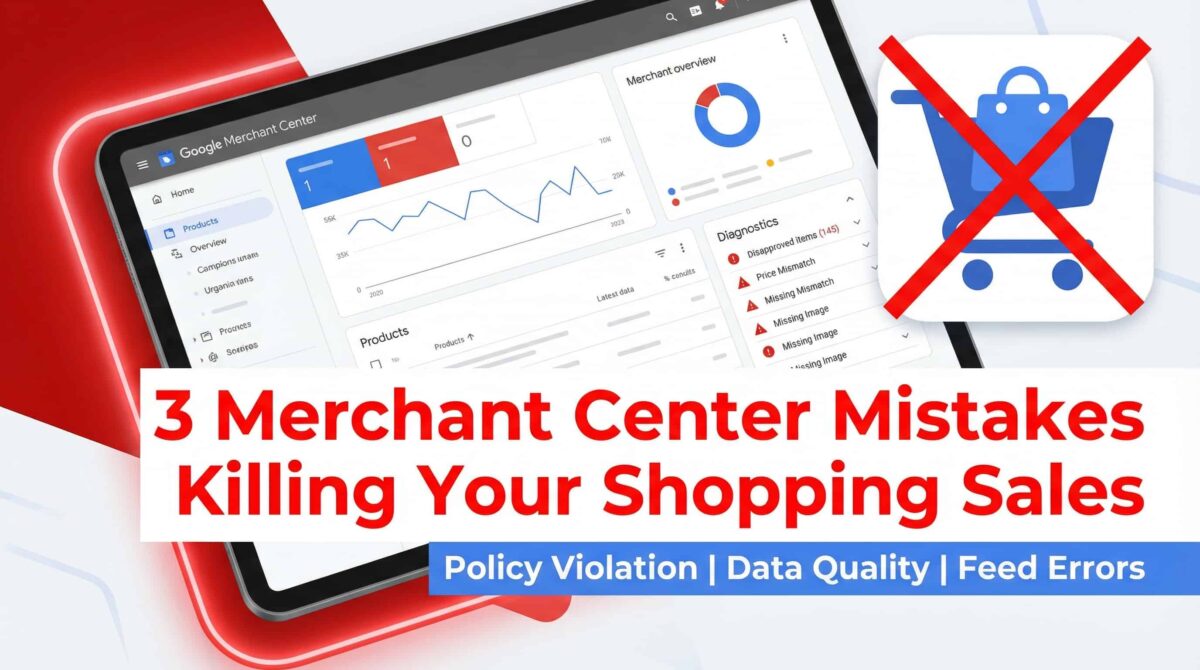
Here’s something I’ve noticed after auditing dozens of Shopping accounts: the campaign isn’t usually the problem.
The problem is upstream. It’s in Merchant Center — and most advertisers never look there.
They’ll adjust bids, increase budgets, restructure ad groups. And the results don’t move. Because the foundation is broken before the campaign even gets a chance to run.
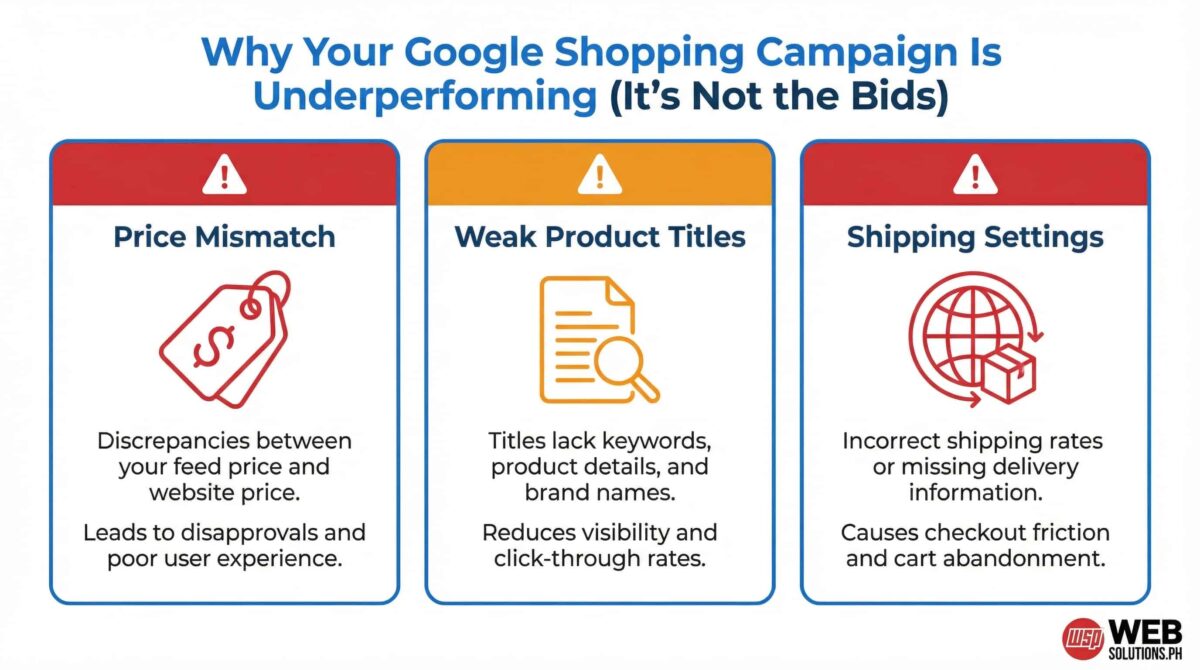
So before you touch anything in Google Ads, here are the three Merchant Center mistakes I find most consistently — and what you should do about them.
Mistake #1: Price Mismatch Between Your Feed and Your Landing Page
This one’s more common than it should be.
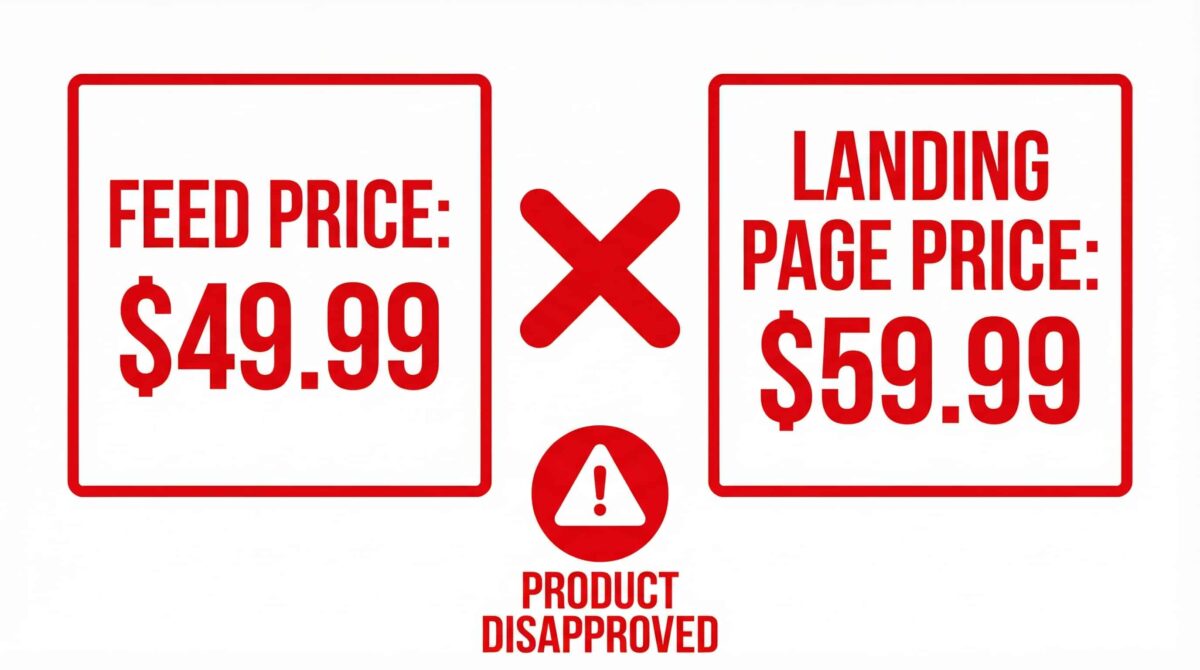
Your product feed shows a price of $49.99. But your landing page — maybe after a recent sale ended or a pricing update — shows $59.99. Google crawls your site, compares the two, flags the discrepancy, and disapproves the product.
That product stops running. That traffic stops coming. And most advertisers don’t catch it until they’re digging through the Diagnostics tab wondering why impressions dropped.
The fix is straightforward: sync your feed with your actual landing page prices. If you’re running promotions, use the sale_price attribute in your feed so Google knows the discount is intentional. And set up automatic feed fetching so your prices stay current — daily updates are worth it.
Mistake #2: Weak Product Titles That Don’t Match Search Intent
This one’s trickier, because the product isn’t disapproved. It’s just invisible.
A lot of advertisers assume that if a product is approved, it’s working. But approval and performance are two completely different things.
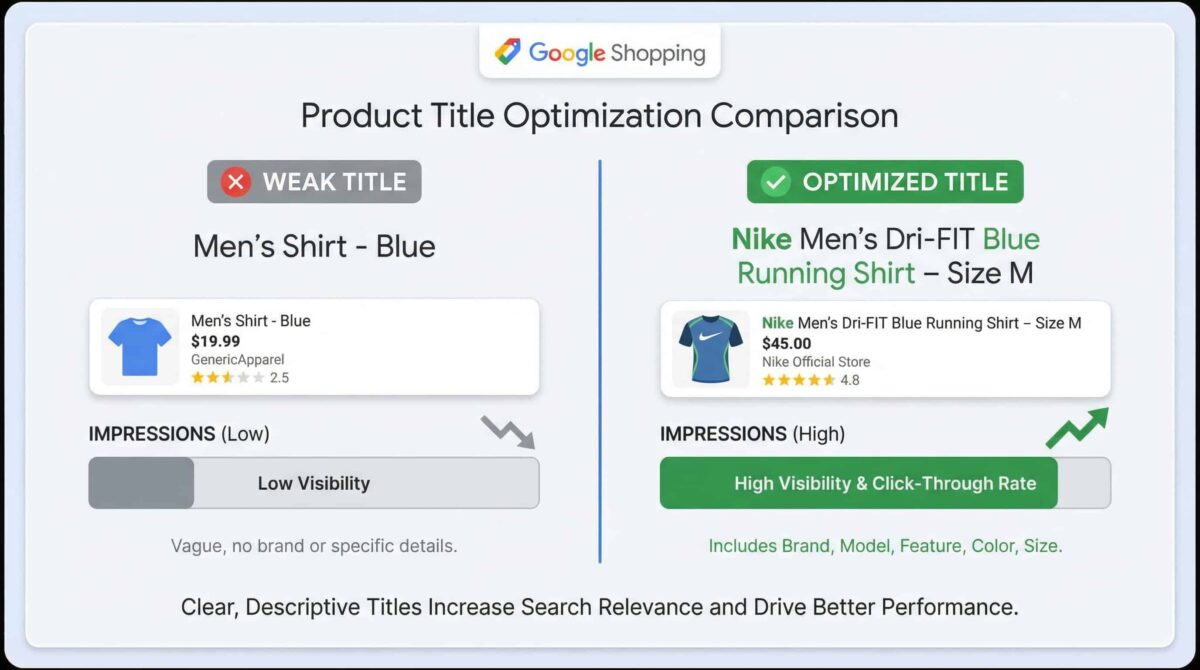
Google uses your product title as one of its primary signals for matching your listing to buyer searches. If your title is something like “Men’s Shirt – Blue,” there’s almost nothing there for Google to work with. No brand. No material. No size. No specificity. It can’t confidently match that listing to someone searching “Nike Dri-FIT running shirt blue medium.”
The format that consistently works: Brand + Product Type + Key Attributes (color, size, material, model).
Something like “Nike Men’s Dri-FIT Blue Running Shirt – Size M” gives Google — and the buyer — exactly what they need to make a confident match.
This is especially important for apparel, electronics, and any category with high search specificity. Vague titles don’t just underperform — they actively cost you impression share you should be winning.
Mistake #3: Shipping Settings That Block Products From Showing
This is the one most stores don’t catch until something feels seriously off.
Shipping in Merchant Center needs to be configured correctly for every region you’re targeting. That means accurate rates, complete delivery timelines, and no missing regions. If your shipping setup is incomplete — wrong rates, missing countries, or no configuration at all for certain product types — Google may limit or block those products from showing in Shopping results.
And the frustrating part is that the products look fine at first glance. They’re approved. They’re in the feed. But they’re just not getting served because the shipping data doesn’t check out.
Go into your Merchant Center settings, navigate to Shipping & Returns, and audit every shipping service you have configured. Make sure the regions match where you actually want to sell, the rates match what your website actually charges, and the delivery estimates are realistic.
Check Merchant Center Before You Touch Anything Else
If your Google Shopping campaign feels stuck — low impressions, disapprovals you can’t explain, conversions that aren’t coming through — start here.
Not with bids. Not with budget. With the feed.
Price accuracy, title optimization, and shipping configuration are foundational. Get these right, and your campaigns have a real chance to perform. Leave them broken, and no amount of bid strategy will save you.
Need a second set of eyes on your Merchant Center setup?
I offer free Google Ads and Shopping feed audits on Upwork. I’ll go through your diagnostics, flag what’s hurting your performance, and tell you exactly what to fix.
