


How to Segment Google Shopping Campaigns Like a Pro
March 28, 2026
Google Ads Remarketing: How to Set It Up the Right Way
March 30, 2026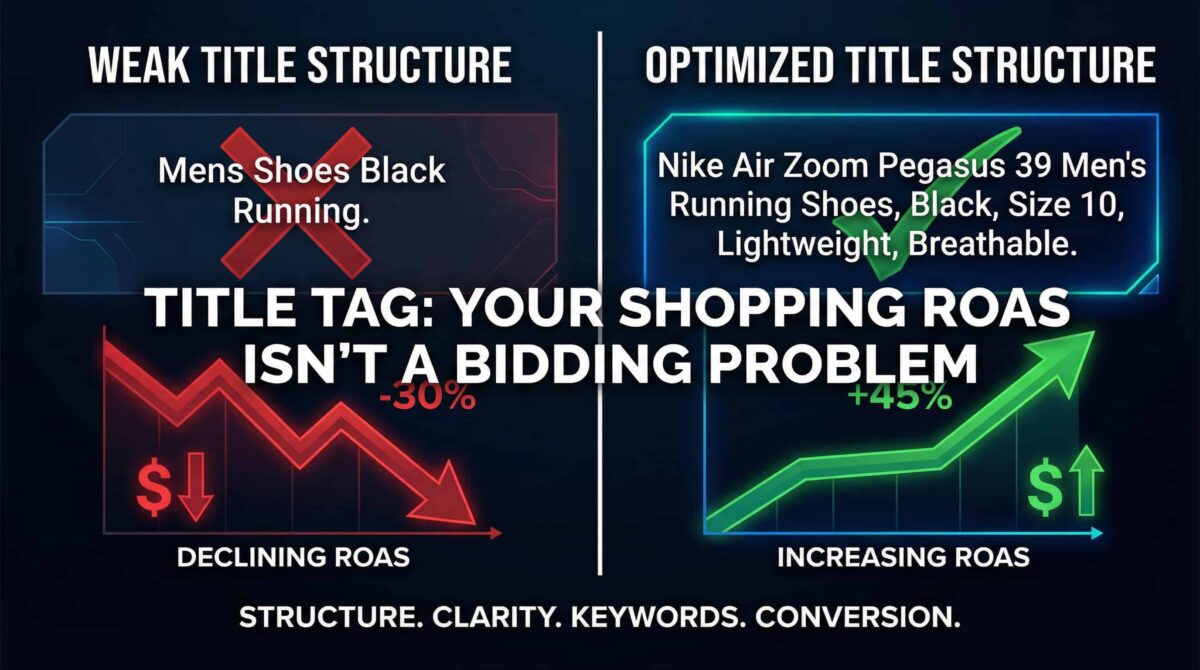
If your Google Shopping campaigns aren’t hitting your ROAS targets, you’ve probably already done what most advertisers do — adjusted your bids, tweaked your budgets, maybe switched bidding strategies a couple of times. And nothing changed.
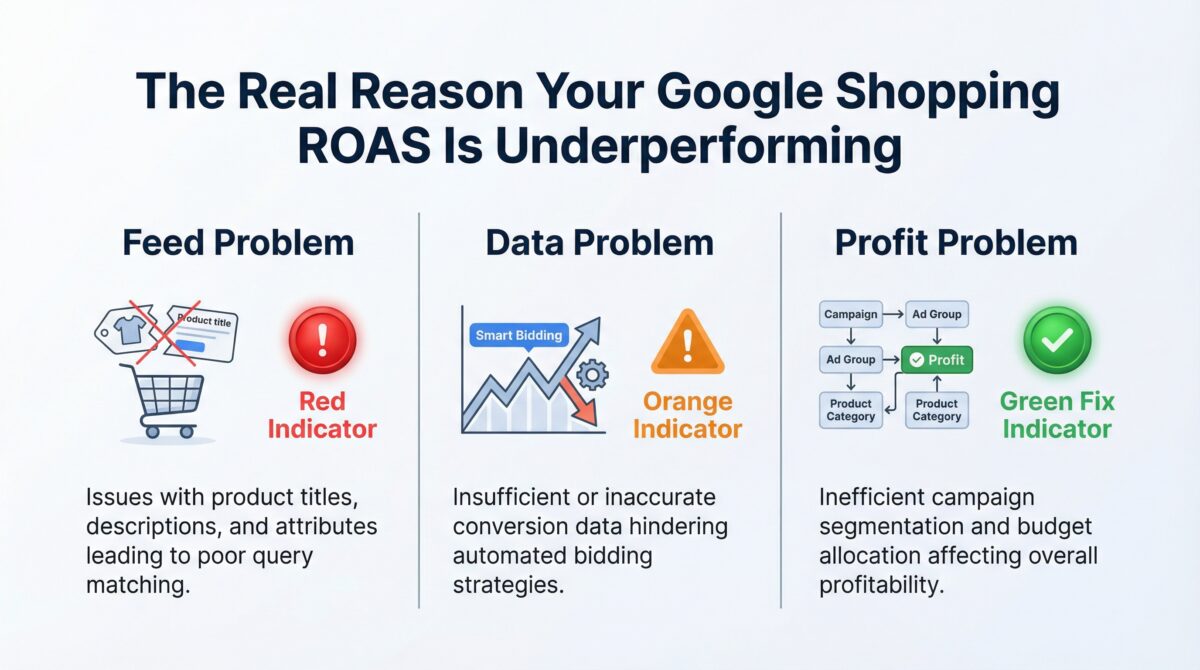
Here’s why: low Shopping ROAS is almost never a bidding problem. After managing Shopping campaigns across dozens of accounts, I see the same three root causes come up over and over. And they all sit upstream of your bids.
The Real Problem Starts in Your Feed
Google Shopping doesn’t work like Search. In a Search campaign, you tell Google which keywords to target. In Shopping, Google reads your product feed and decides which searches your ads match to. That means your product titles, descriptions, and attributes are doing the targeting work — not you.
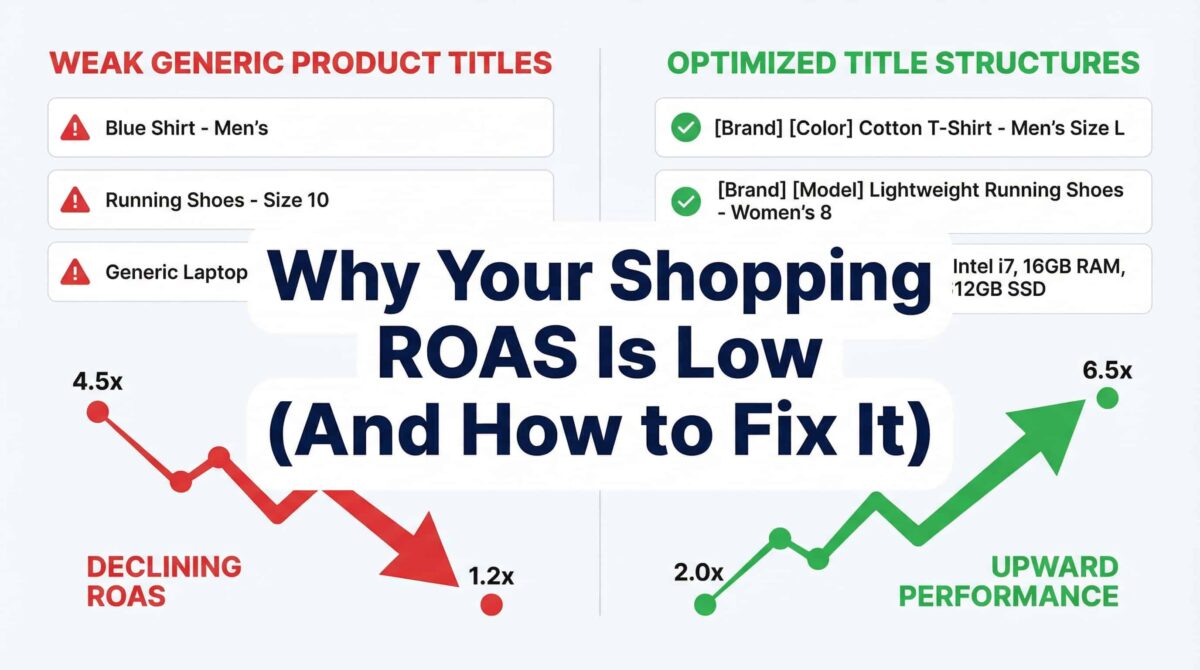
So if your product titles are weak, generic, or missing key information, Google matches your ads to the wrong searches. Wrong searches bring wrong clicks. Wrong clicks eat your budget without converting. And your ROAS tanks — while your bids stay completely innocent.
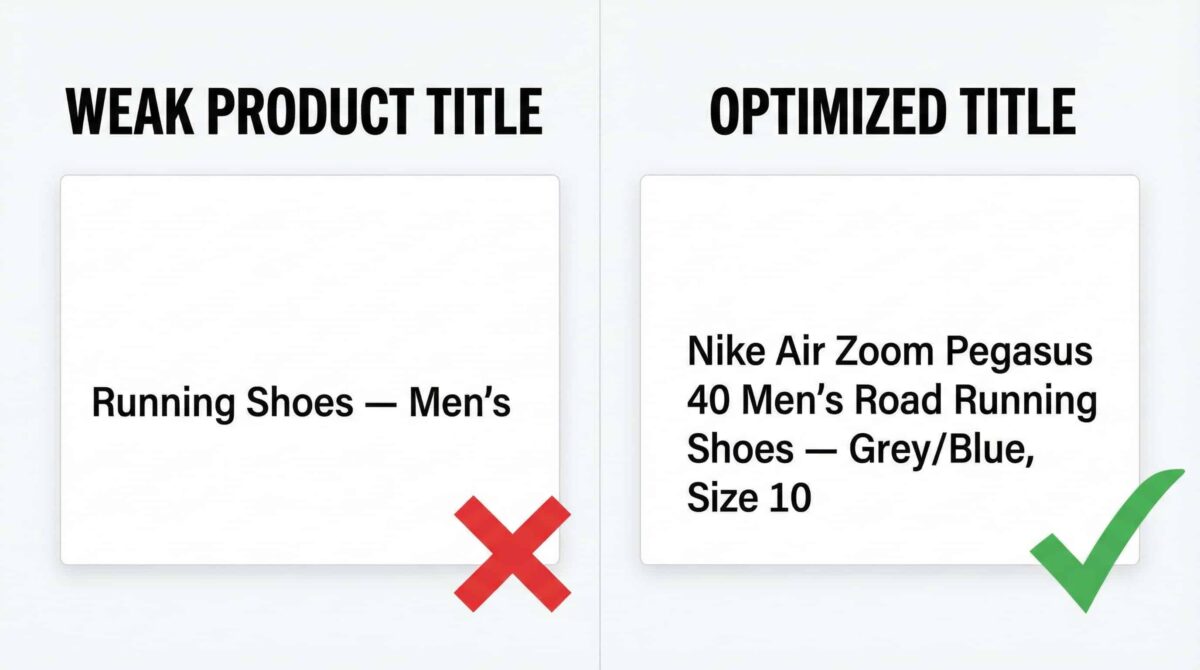
The fix is straightforward. Structure your product titles like this: Brand → Product Type → Key Attributes. Lead with the brand name, follow with the specific product type, then layer in the attributes that matter — size, color, material, model number, whatever a buyer would actually search for. This one change alone has moved the needle on more accounts than I can count.
Supporting Image Prompt: Side-by-side comparison graphic showing a weak product title (“Running Shoes — Men’s”) versus an optimized title (“Nike Air Zoom Pegasus 40 Men’s Road Running Shoes — Grey/Blue, Size 10”) with a green checkmark on the optimized version. Clean white background, bold typography, no people.
Alt Text: “Example of weak vs. optimized Google Shopping product title structure”
Your Bidding Strategy Needs More Data Than You Think
Here’s where most campaigns actually break — and it’s the thing advertisers are least likely to suspect.
Smart Bidding strategies like Target ROAS use machine learning to optimize your bids in real time. But that machine learning needs data to function. Specifically, it needs consistent conversion volume. If your campaign is running on a handful of conversions a month and you’ve switched on Target ROAS, you’re not activating the algorithm — you’re destabilizing it.
The system starts making erratic decisions because it doesn’t have enough signal to work with. ROAS swings wildly week over week. You assume the strategy isn’t working and switch again, which resets the learning phase and makes things worse.
The rule of thumb: Smart Bidding needs roughly 30 to 50 conversions per month to stabilize. If you’re not there yet, run Maximize Conversion Value without a ROAS target until you’ve built up enough data. Then set your Target ROAS — and give it at least two to four weeks without major changes before evaluating.
Campaign Structure Determines Whether You Scale Revenue or Profit
This is the issue that tends to get overlooked the longest — and it’s the one that costs the most.
When all your products sit in a single campaign, Google doesn’t know which ones are high-margin and which ones aren’t. It just sees revenue signals. So it pushes budget toward whatever drives the most conversion value — which often means your low-margin products, because they’re cheaper, convert more easily, and generate volume.
Meanwhile, your high-margin products get limited impressions because they’re competing for the same budget as everything else.
The solution is segmentation. Separate your high-margin products from your low-margin ones into distinct campaigns. This gives Google the context to allocate spend in a way that actually supports profitability, not just top-line revenue.
Scaling revenue is not the same as scaling profit. The campaigns that treat them as the same thing tend to grow spend much faster than returns.
Where to Start
If your Shopping ROAS is underperforming, work through this order:
Audit your product titles first. Check whether they include brand, product type, and key attributes — and whether they match how your actual buyers search. Then look at your conversion volume. If you’re running Target ROAS on a low-data campaign, pull back to Maximize Conversion Value and let the data build. Finally, review your campaign structure. If everything’s in one bucket, start separating by margin.
Most of the time, fixing these three things resolves the ROAS problem without touching a single bid.
Need a second set of eyes on your Shopping setup? I offer free Google Shopping audits for business owners and marketing teams. You can find me on Upwork here:
https://www.upwork.com/freelancers/nazdiocampoaimarketing

10 Comments
This was something I had looked into before but could hardly find clear resources on, so I really appreciate this post. Great job—I’m sure a lot of people searching for answers about low Google Shopping ROAS will find this very helpful.
Thank you, Marvin. We’re glad this post helped clarify a topic that can be surprisingly hard to find good information on. It means a lot to know the article was useful, and we appreciate you taking the time to share that.
Your post is packed with valuable insights. Thank you for sharing such useful information on improving low Google Shopping ROAS—I definitely found it worth taking note of.
Thank you, Kaiden. We really appreciate your kind words. We aimed to make the post as practical and valuable as possible, so it’s great to hear that the insights stood out and felt worth noting.
Very well presented. Every quote was awesome and thanks for sharing the content. Keep sharing and keep motivating others.
Thank you, Jason. We truly appreciate your encouraging feedback. We’re glad you found the content worthwhile, and your support motivates us to keep sharing helpful insights like this.
Nice post. This was a helpful read and gave a clear perspective on why Google Shopping ROAS can stay low and what to look at to improve it. Always great to come across content that shares practical insights like this.
Thank you, Jaylin. We’re glad the post gave a clear perspective on why Google Shopping ROAS can stay low and what can be done to improve it. We appreciate your thoughtful comment and support.
Really well explained. This post does a great job of breaking down why Google Shopping ROAS can be low and how to actually improve it. Very useful content for anyone looking to get better results from their campaigns.
Thank you, Dominik. We’re really pleased to hear that the post was helpful and easy to follow. Our goal was to break the issue down into something practical and actionable, so we appreciate your feedback.